Know your
fretboard
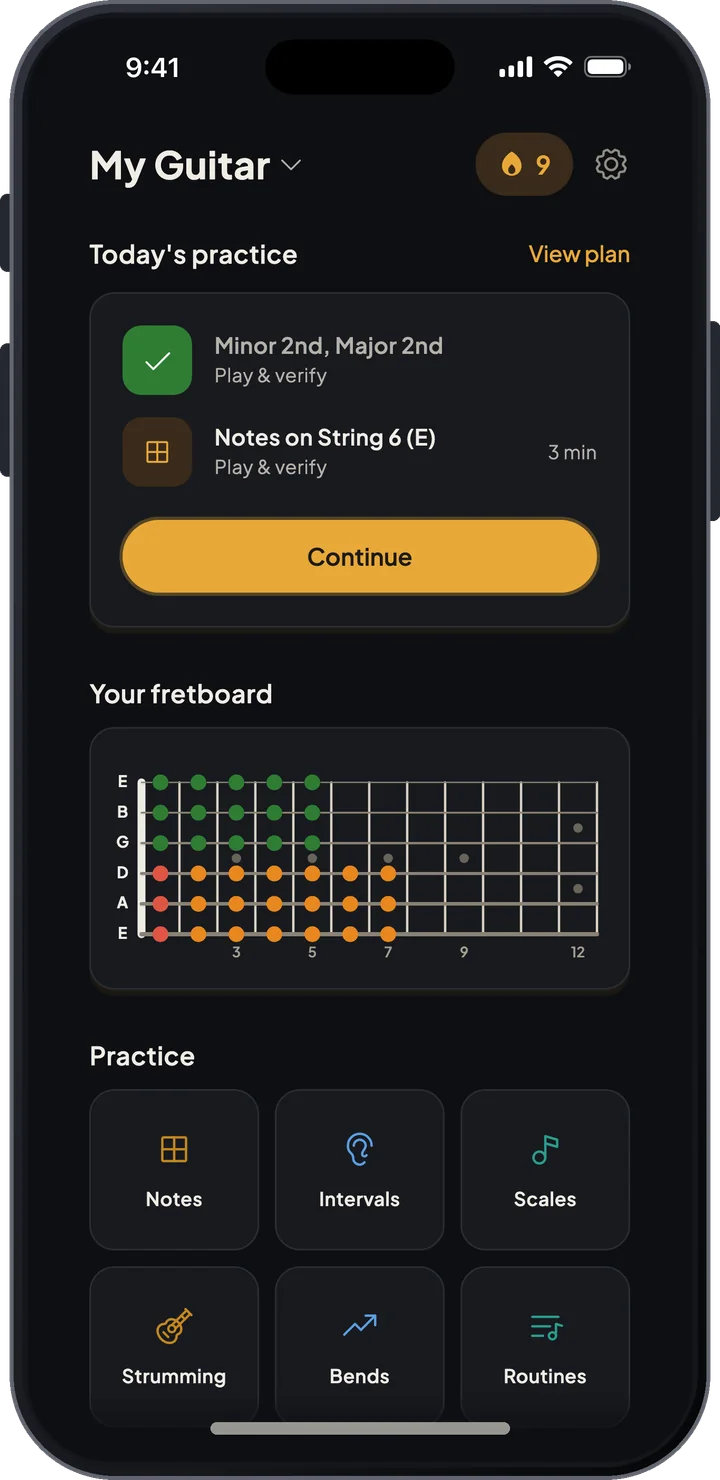
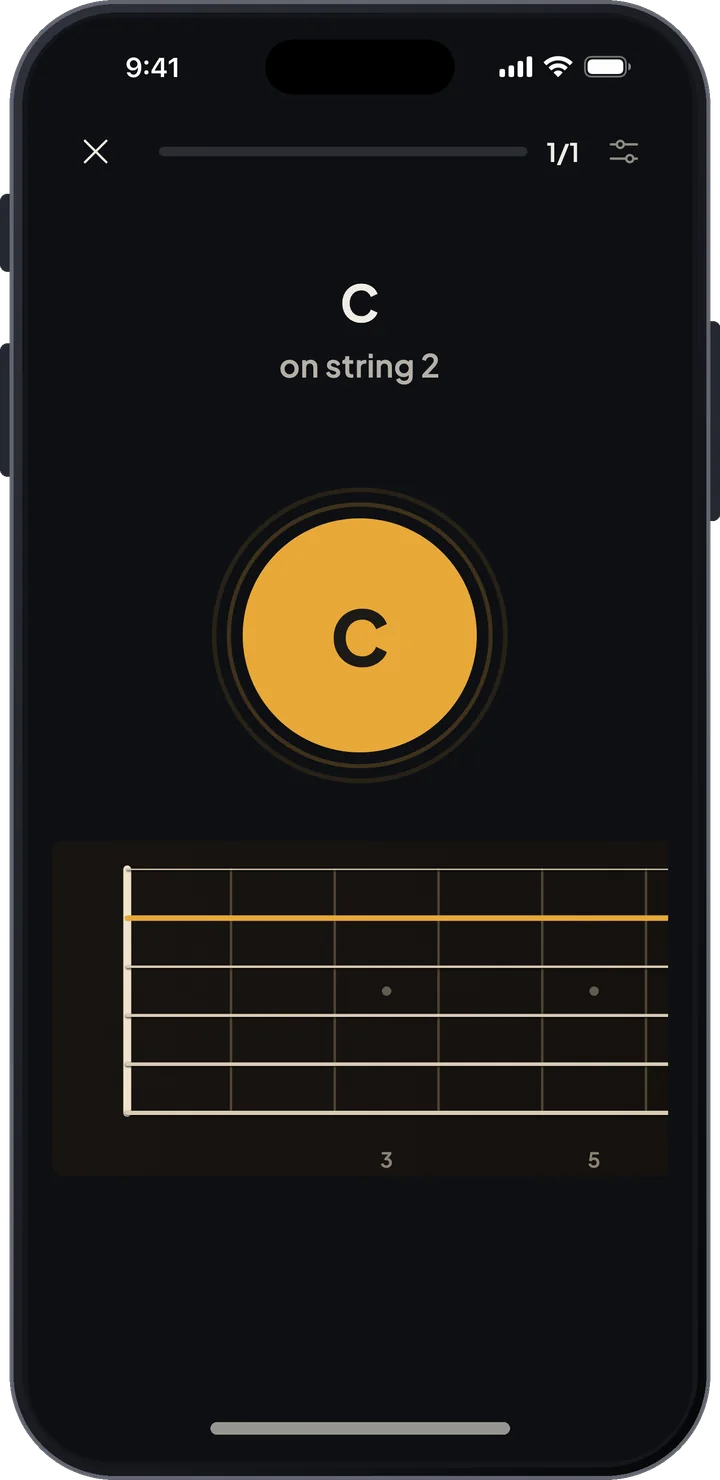
Learn where every note is on the neck. Tap the answers on screen when you are away from the guitar, or play them when you have it in hand - the microphone checks each note. Scale shapes, bends, strumming, a tuner and chord tools are in the same app.


Notes first
Most of the time in the app goes to finding notes on the fretboard, because everything else - intervals, scales, chords - is easier once you know them.
Note recognition
Drill the whole neck on screen, or play the answers on your instrument. The app spends more time on the frets you get wrong or answer slowly.
Interval training
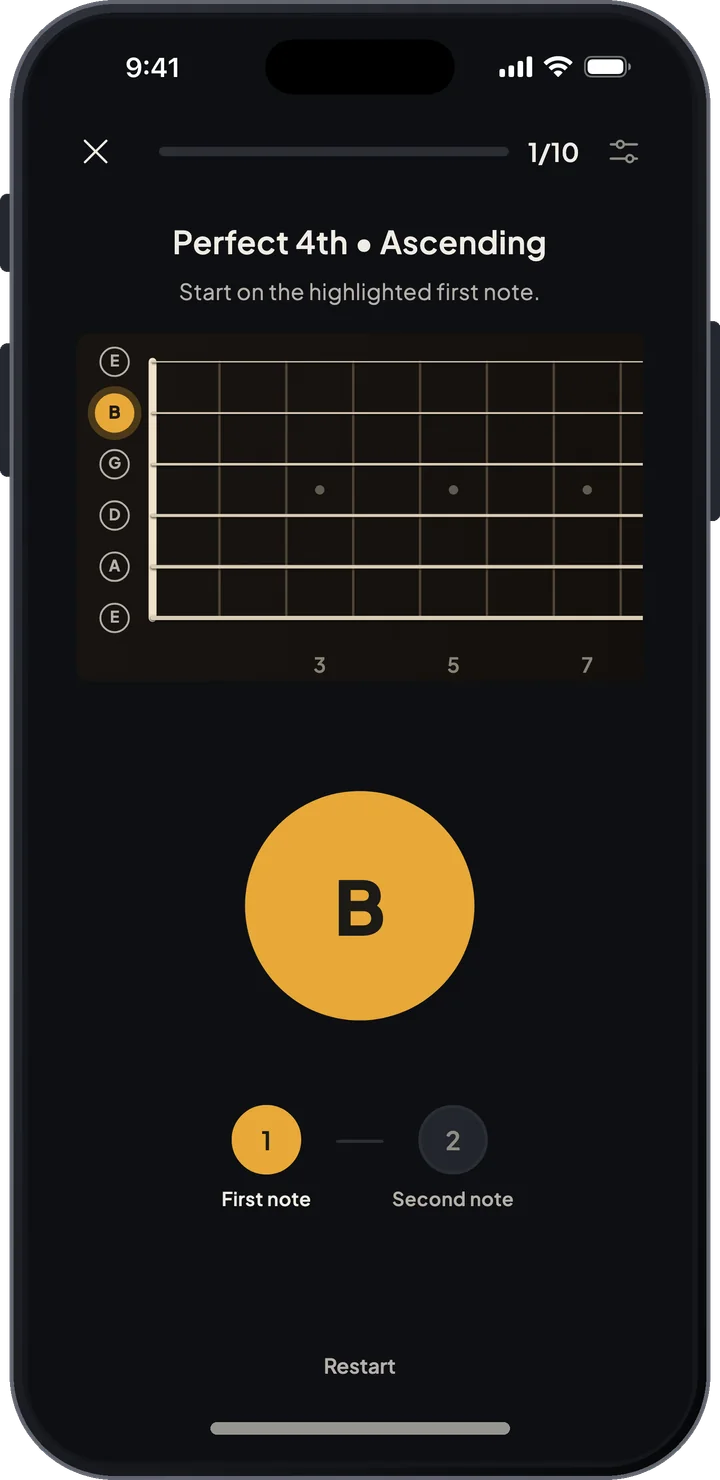
Once you know the notes, learn the distances between them: thirds, fifths, octaves, played anywhere on the neck.
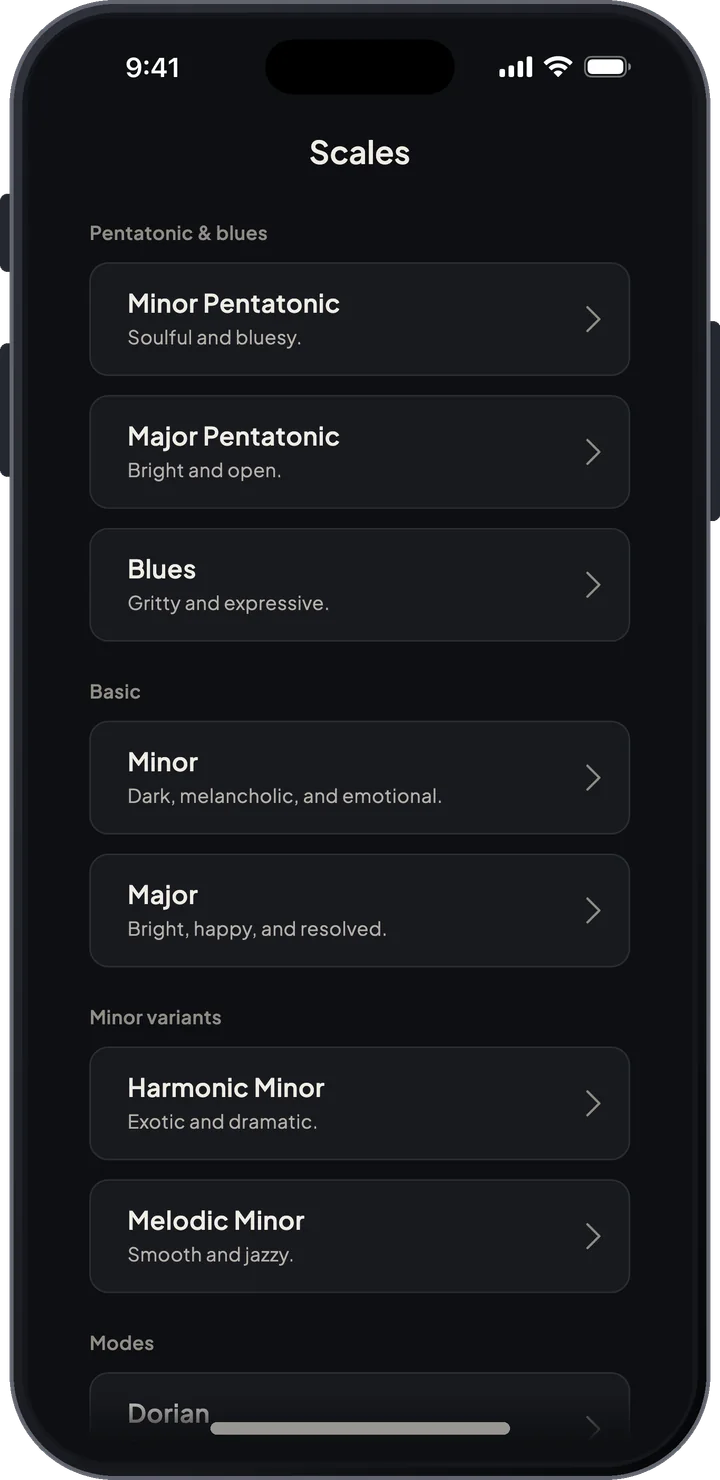
Scale guide
28 scale types, from pentatonics and modes to less common ones, with CAGED, 3-notes-per-string and full-neck views you can listen to.
Bend trainer
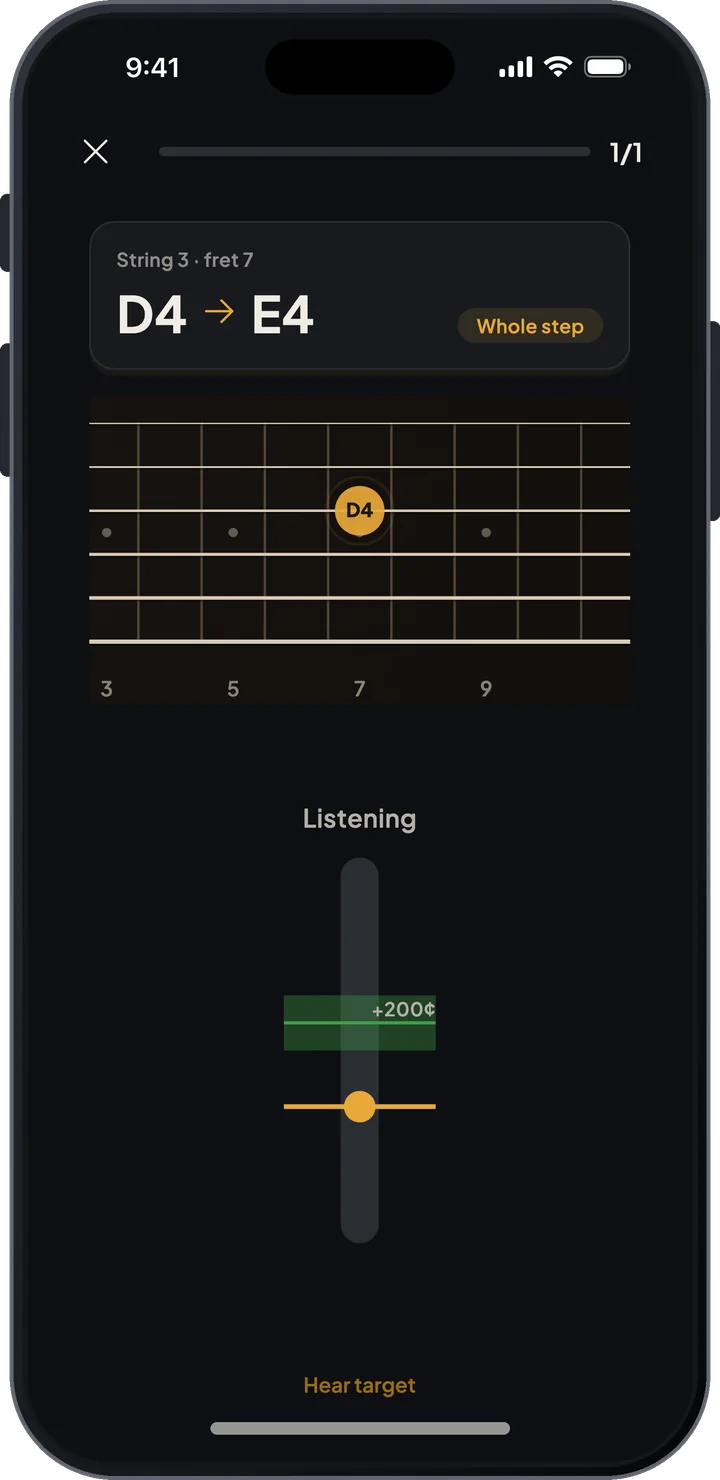
Bend the string to a target pitch and see your pitch curve as you go. Half-step, whole-step and minor-third bends.
Chromatic tuner
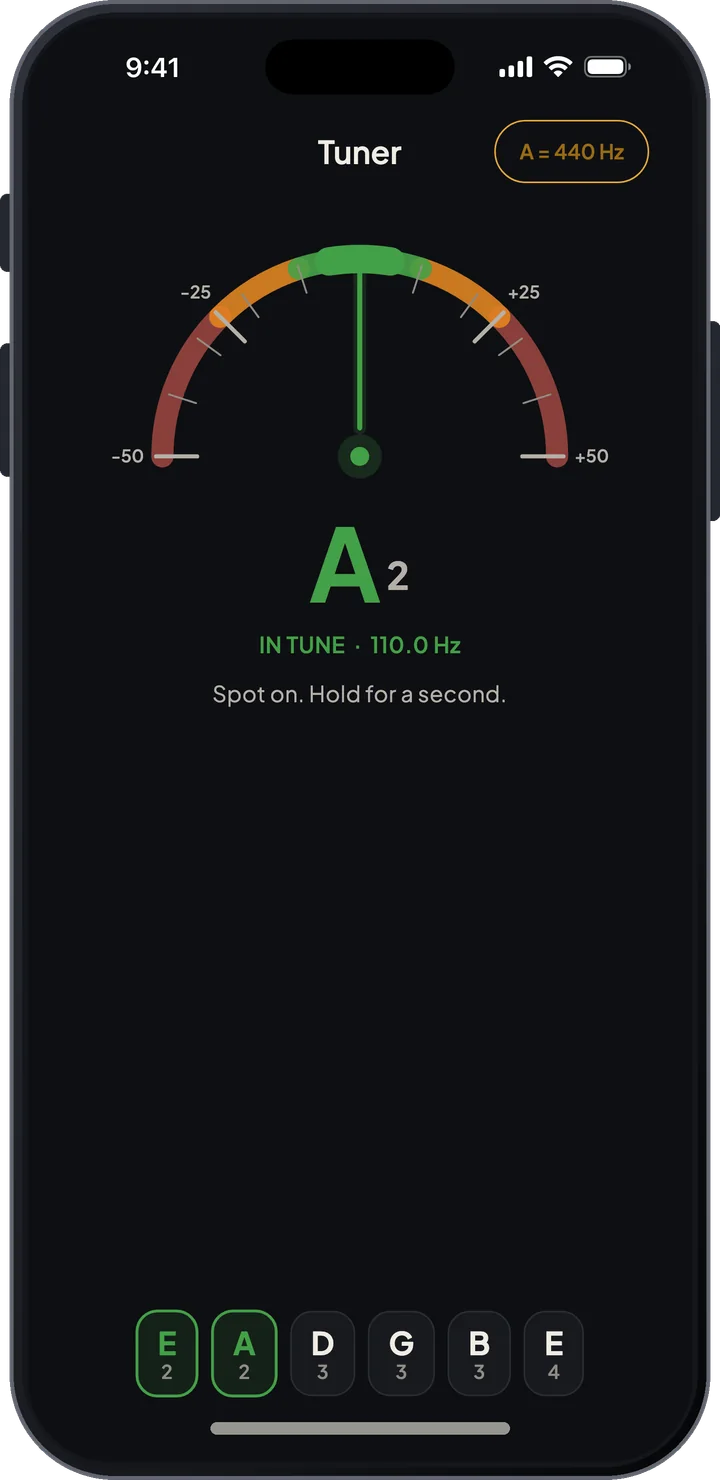
Tunes to whatever preset you have selected. Tap a string to hear its reference pitch.
Chord book and analyzer
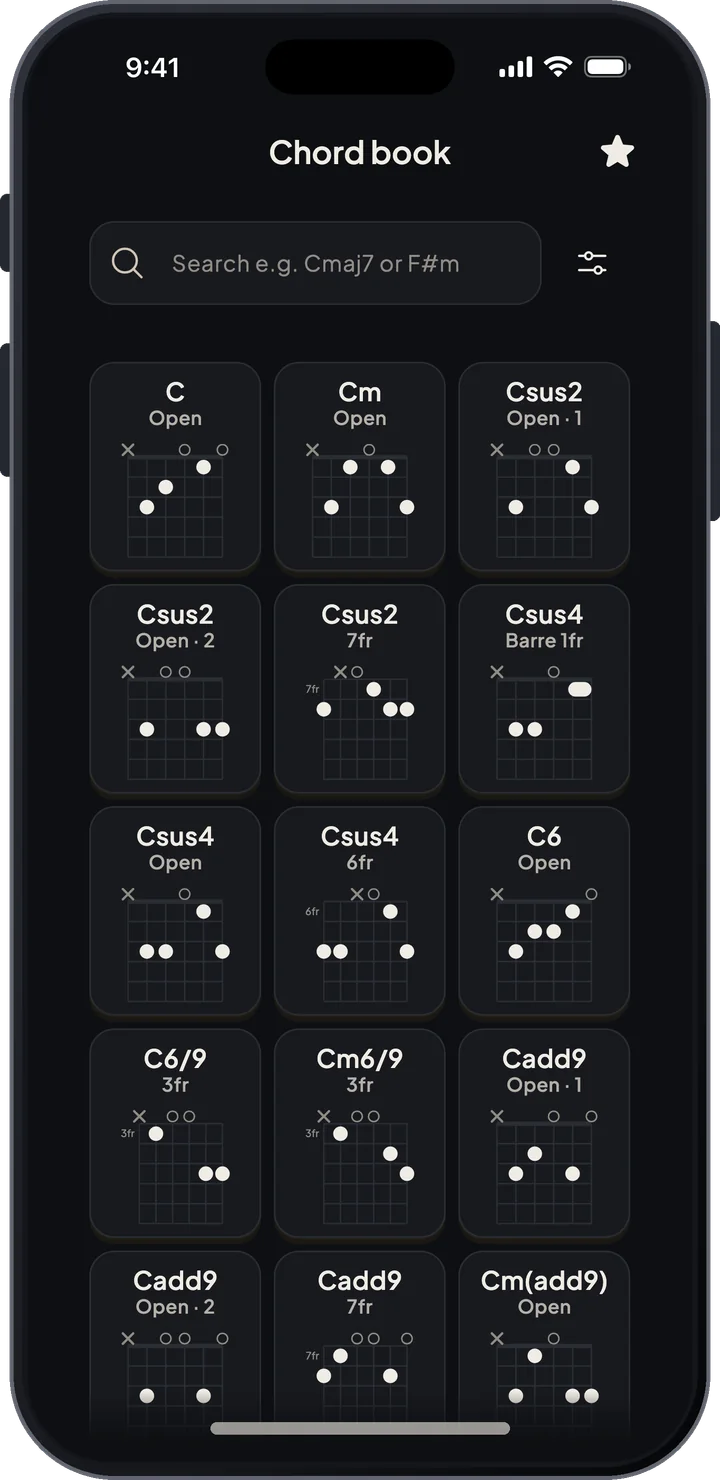
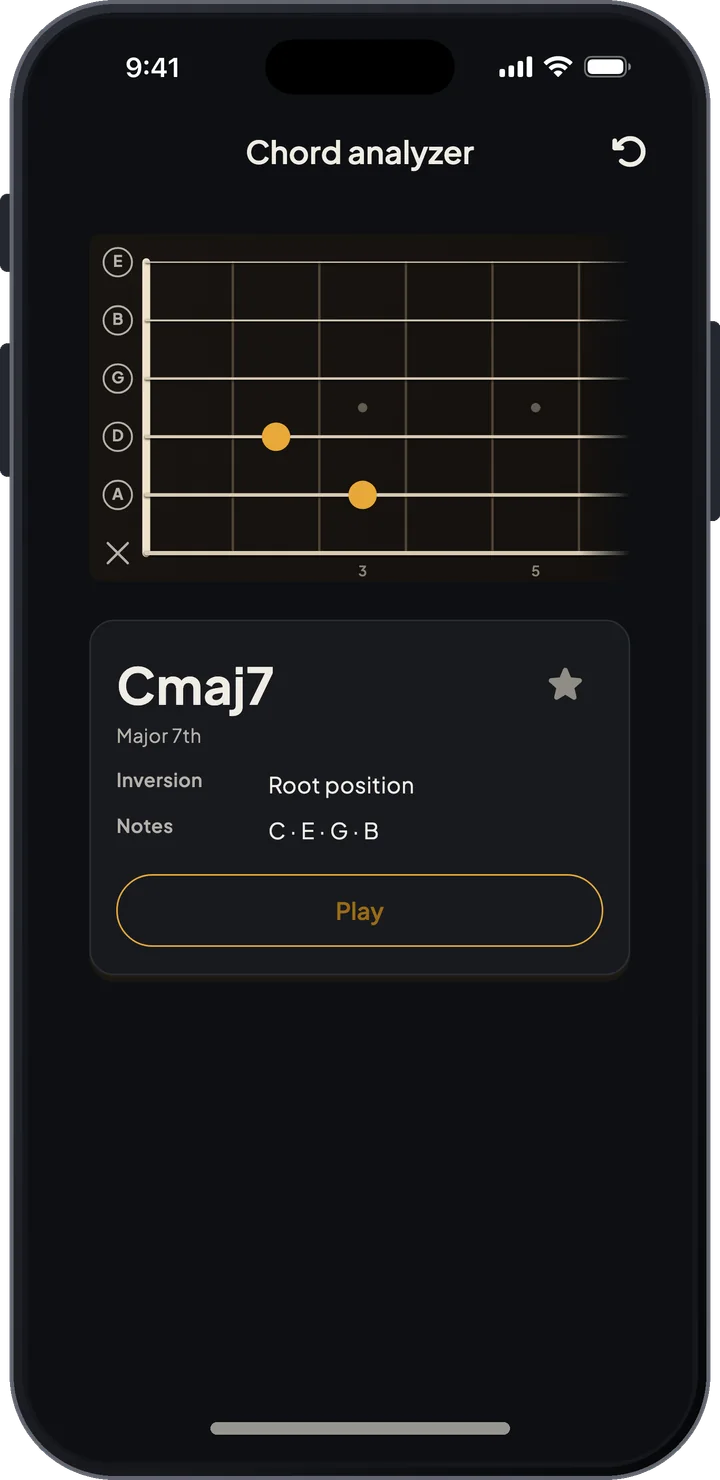
Look up chord shapes by name, difficulty and tuning. Or tap notes on the fretboard and the analyzer tells you what chord it is, slash chords included.
Instrument presets
6, 7 and 8-string guitar, bass, ukulele and mandolin, with drop and open tunings or any custom tuning you set up.
Practice with or without your instrument
On the couch or on the bus, you tap the answers on the fretboard. With the guitar in hand, you play them and the microphone checks the pitch. The drills are the same either way.
- Tap answers on the fretboard when the instrument isn't around
- Play answers on the instrument and let the microphone grade them
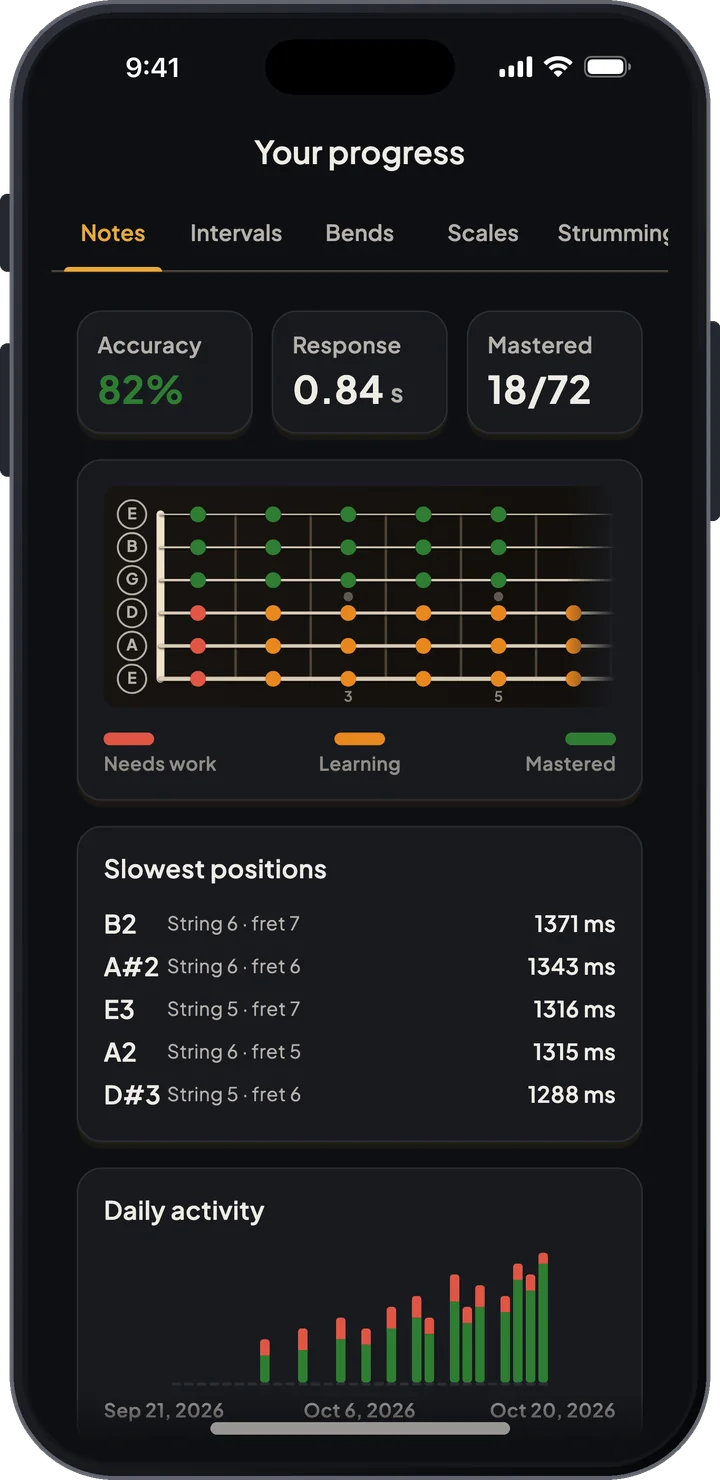
- Accuracy per note and a list of your slowest positions
Scale shapes across the whole neck
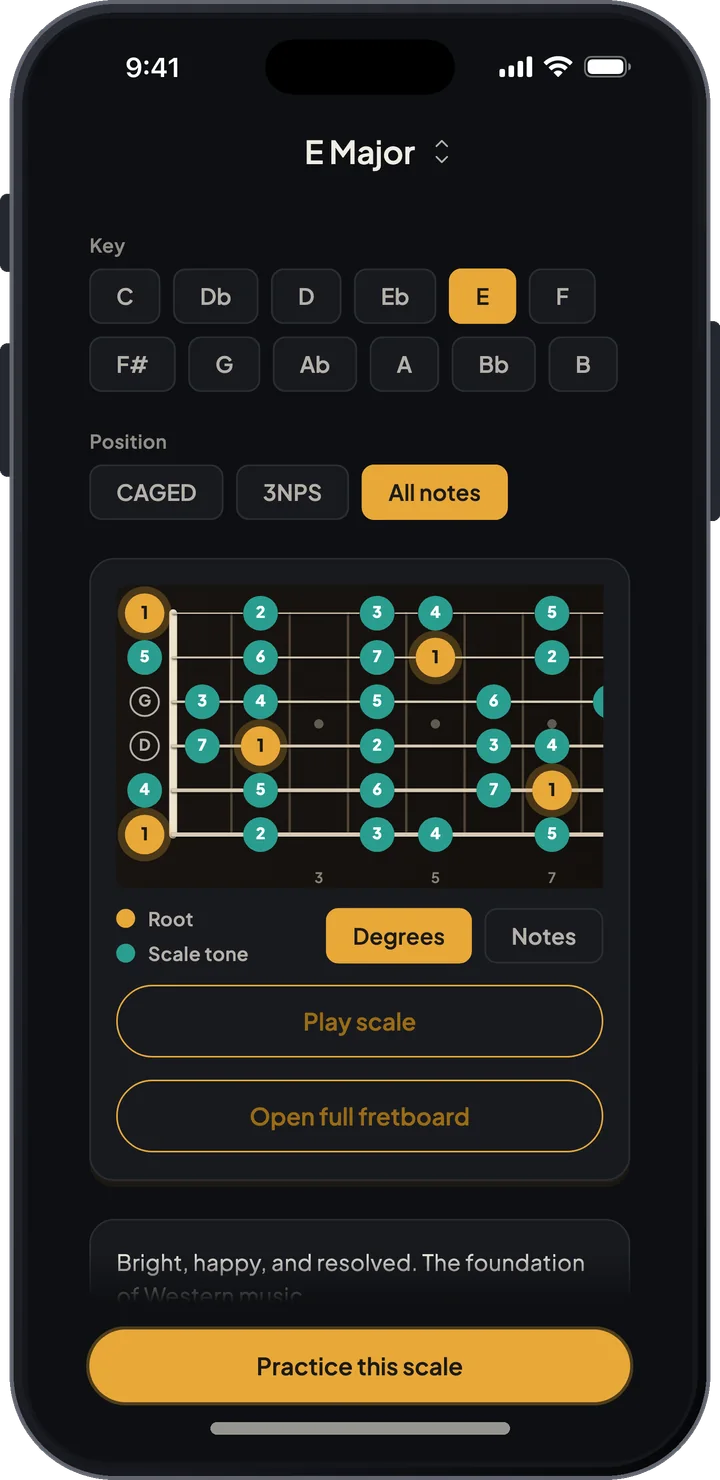
Pick a scale and a key, choose a position, and see the notes on the fretboard. You can play the shape back to hear it in your current tuning.
- Major, minor, pentatonic, blues, modal and less common scale families
- CAGED and 3-notes-per-string positions, or every note on the neck
- Playback for whole shapes and single notes
- Diagrams follow your instrument and tuning
Chord book and analyzer
When you know the notes, chords stop being shapes to memorize. Look up a voicing, or tap a shape you found yourself and get its name.
- Chord book you can search and filter by difficulty
- Voicings worked out for your instrument and tuning
- Chord analyzer that names what you tap, including inversions and slash chords
- Playback for every note and chord
Made for hands on the instrument
When you practice with the guitar, you shouldn't have to put it down to answer. The microphone listens for the notes, bends and strums, so your hands stay on the strings.
- Pitch detection in the note, interval, scale and bend trainers
- The bend trainer grades the whole bend, not just the last note
- Strumming practice with 39 patterns, timing checked by the microphone
- A daily practice plan and stats for every mode
- Works offline, no account needed
One app for every fretted instrument
Switch the preset and the app follows: the tuner, chord shapes, scale diagrams and bend ranges all change with it. No second app to download.

Train your ear too, with ToneSeed
Our ear training app: intervals, chords, scales, melodic dictation and sight-singing.
Start learning the fretboard
Download ToneSeed Fretboard Trainer and use the minutes you have with the instrument for practice that adds up.